 Doorman
What it does
Members open a private support channel with your team; transcripts are saved.
Steps
- Open Tickets.
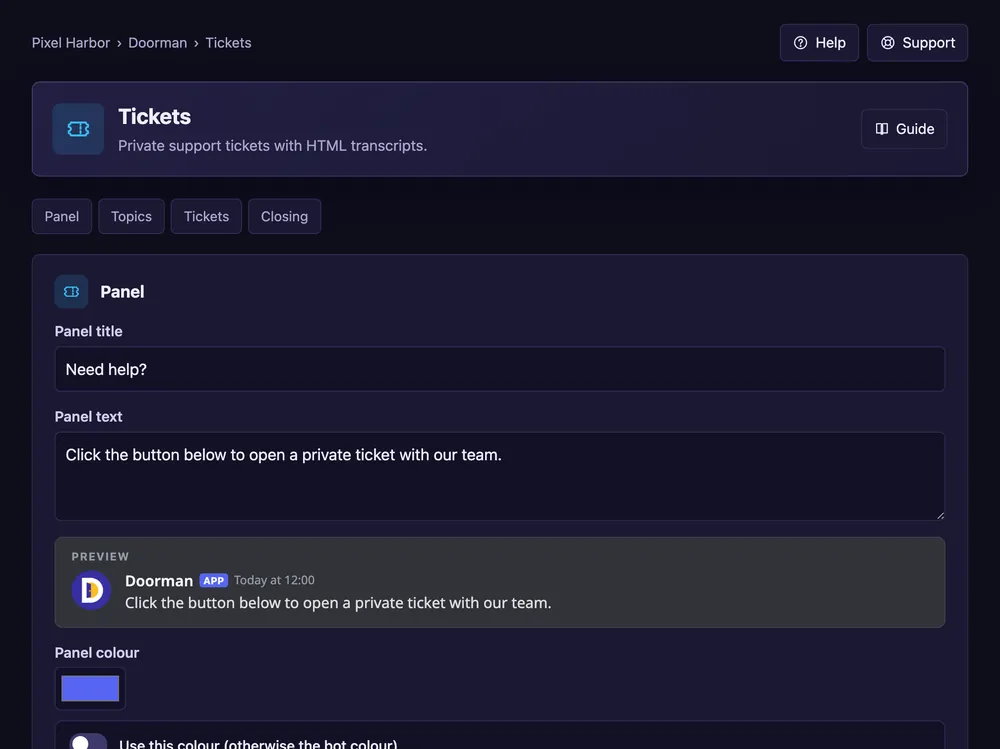
- Panel: title, text, and dropdown or buttons.
- Topics: add topics, each with its own team and category if you like.
- Tickets: pick the support roles and the transcript channel. Press Save.
- Post the ticket panel: pick a channel and press Post panel.
Good to know
- Later changes update the posted panel by itself.
- Answer tickets in the dashboard: Ticket inbox. Save channels: Reuse ticket channels.
- More: Closing and limits, Team options, Panels and messages.
Commands
/tickets claim,/tickets close,/tickets add/tickets open– the team opens a ticket for a member./tickets transcript– save the ticket so far without closing.