 Doorman
What it does
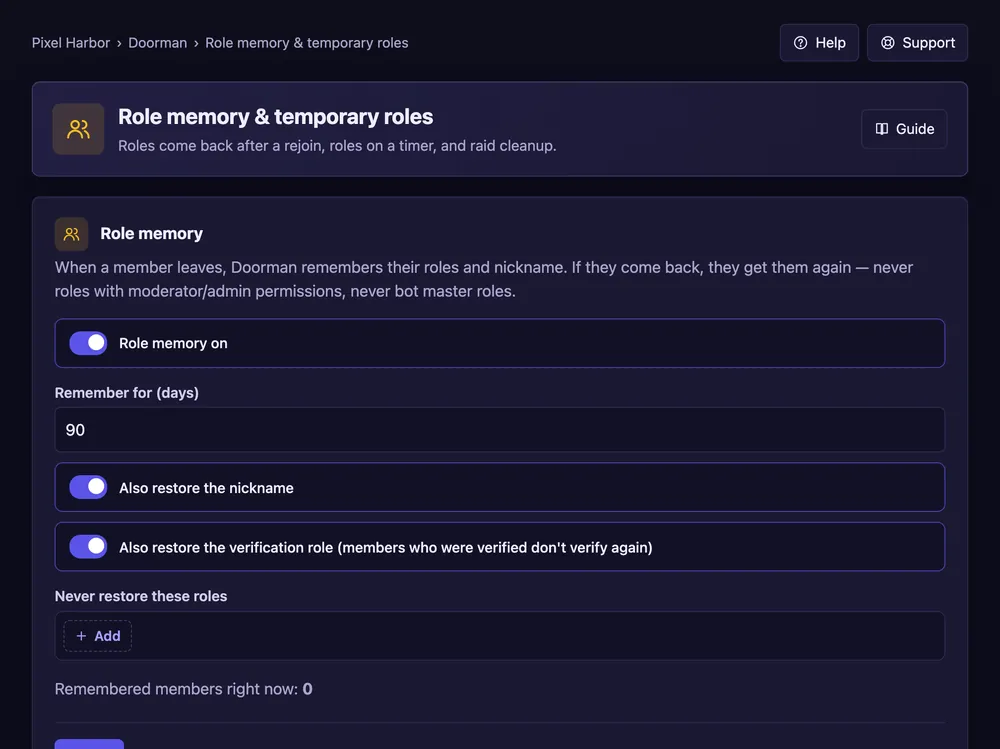
Members get their roles back after a rejoin, and roles can expire by themselves.
Steps
- Open Role memory & temporary roles.
- Role memory: tick it, set the days and press Save.
- Add a temporary role: member ID, role, duration, then Give role.
Good to know
- Roles with moderator or admin rights never come back.
- More on this page: Auto roles and Many members and raid cleanup.
Commands
/temprole add,/temprole remove,/temprole list/role persist– keep one role for a member after a rejoin.