 Doorman
What it does
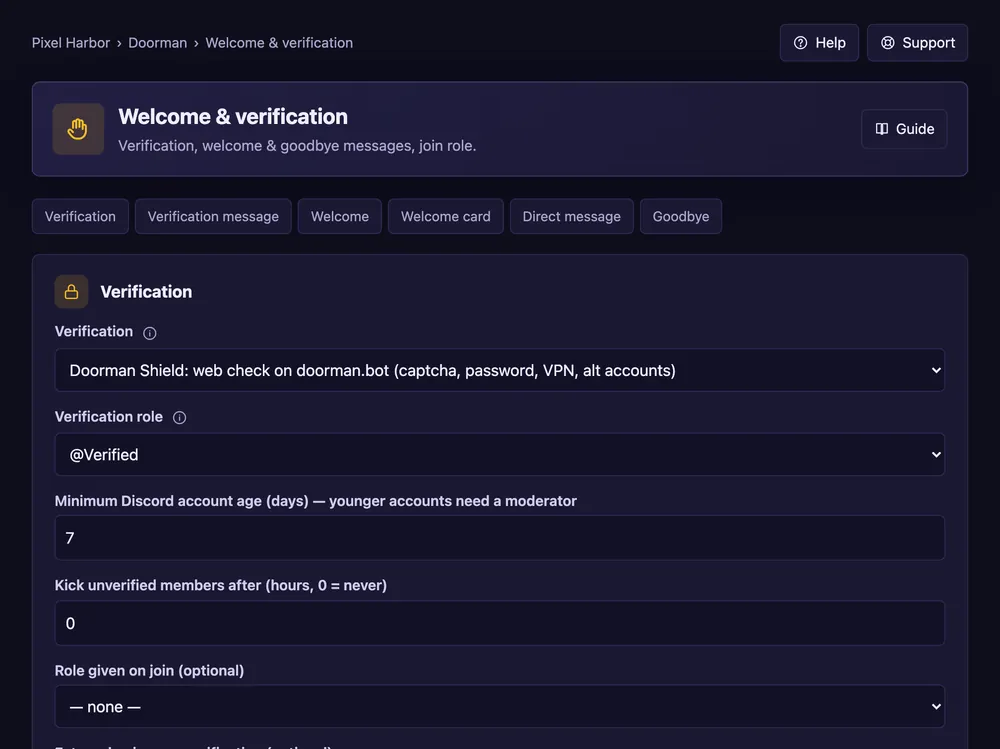
Greet new members in a channel, by DM or with an image card, and say goodbye when they leave.
Steps
- Open Welcome & verification.
- Welcome: pick the channel and write the text.
- Tick Add a welcome image card if you want the card.
- Direct message and Goodbye: optional. Press Save.
Good to know
- Placeholders:
{user},{name},{server},{members}. - The card design (font, colours, background) needs Premium.
- Verification is on the same page — see Verification.