 Doorman
What it does
Members pick their own roles from a menu the bot posts.
Steps
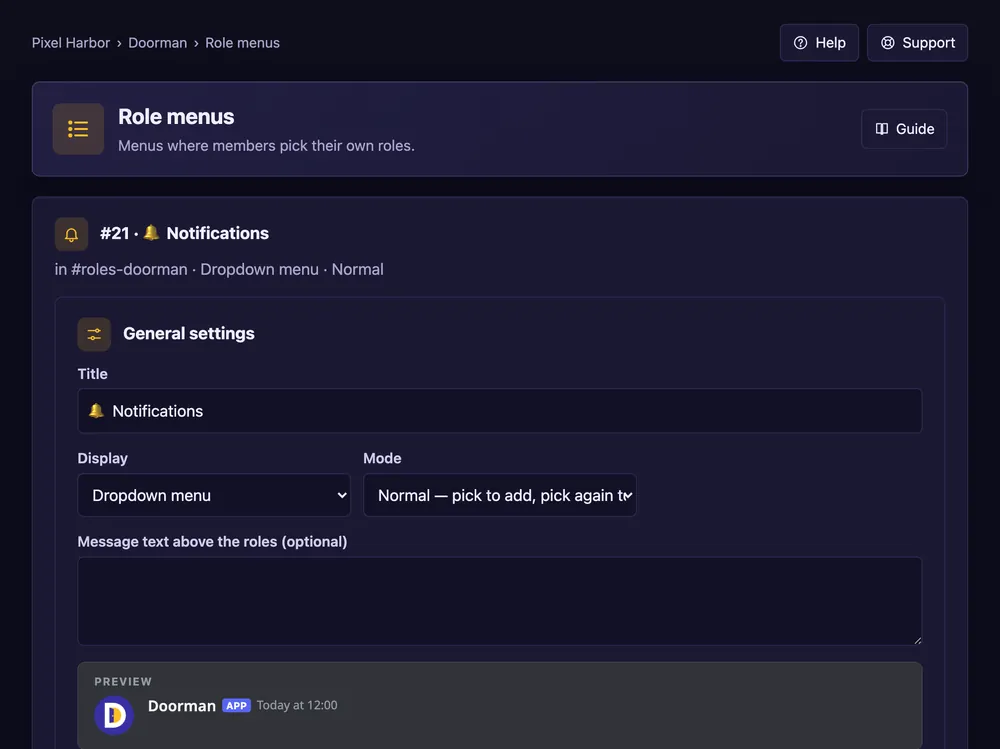
- Open Role menus → New role menu.
- Pick the channel, a title and the display: dropdown, buttons or reactions.
- Pick the mode: Normal, Unique (only one role), Verify or Reverse.
- Pick up to 25 roles and press Create menu.
Good to know
- Roles above Doorman or with moderator rights are skipped.
- Rules per menu: a maximum, required roles, one-time choice, roles that expire.
- Use an existing message or colour roles: see Role menu on any message.