 Doorman
What it does
Publish your rules; members accept them with a button and can get a role.
Steps
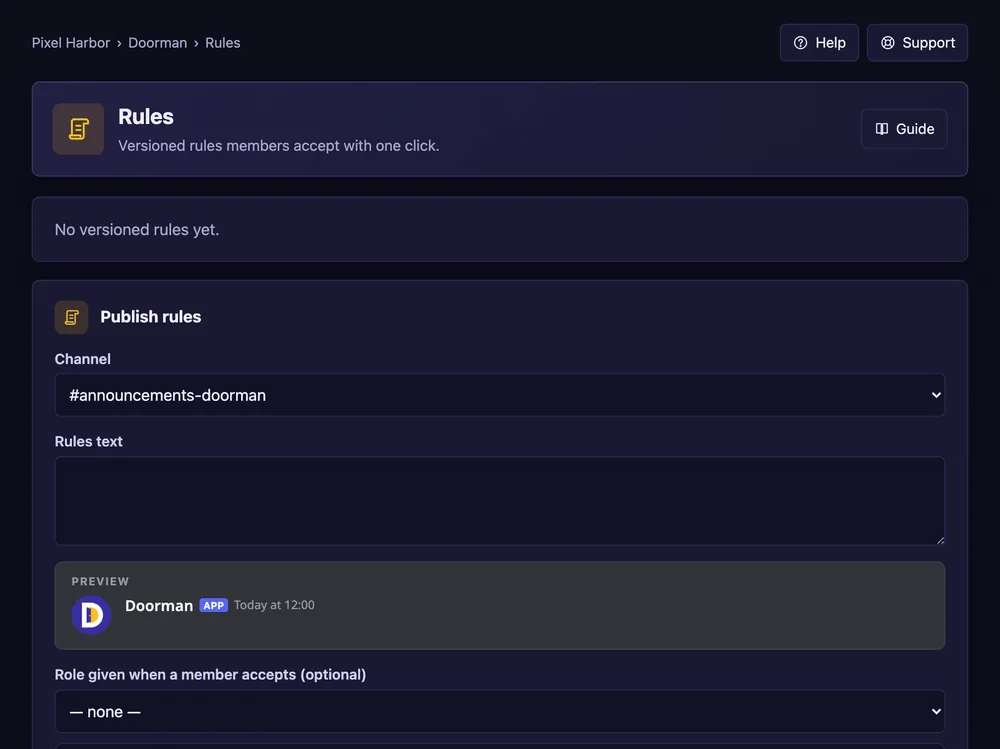
- Open Rules → Publish rules.
- Pick the channel and paste your rules.
- Optional: a role for accepting.
- Tick Members must accept again for a new version and set the days.
- Press Publish new version.
Good to know
- After the grace period, members who didn't accept lose that role.
- The page shows how many members accepted.
Commands
/rules publish,/rules status