 Doorman
What it does
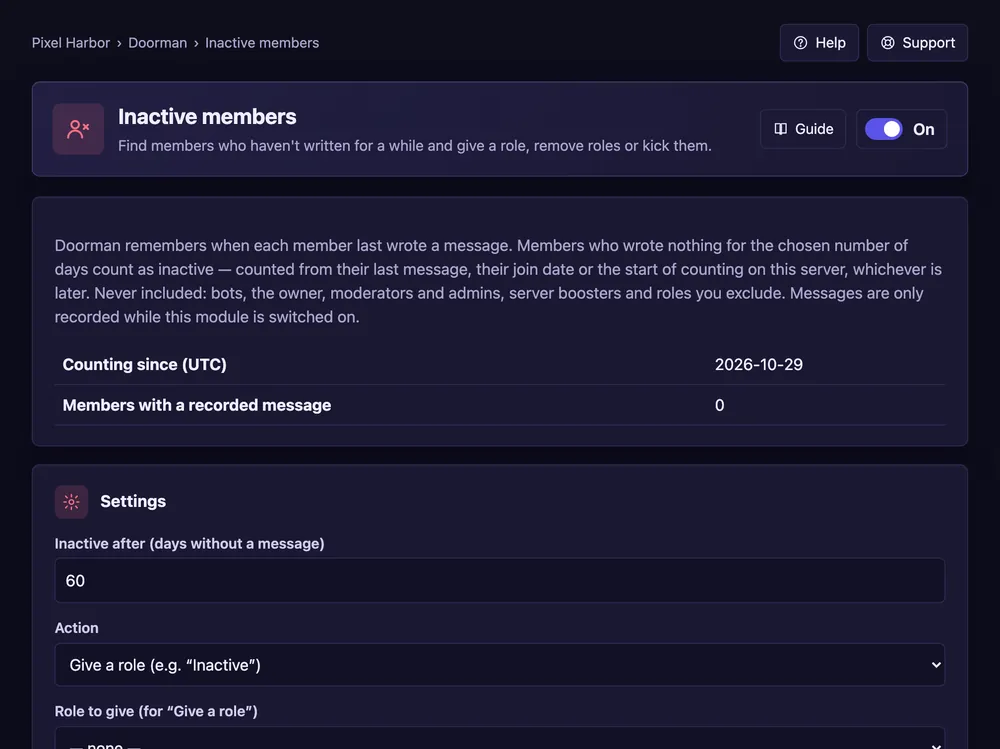
Find members who haven't written for a while and give a role, remove roles or kick them.
Steps
- Open Inactive members and switch it On.
- Set the days without a message and the action.
- Add roles that are never included. Press Save.
- Press Preview, then Run now.
Good to know
- Only the time of the last message is stored.
- Bots, the owner, moderators and boosters are never included.