 Doorman
What it does
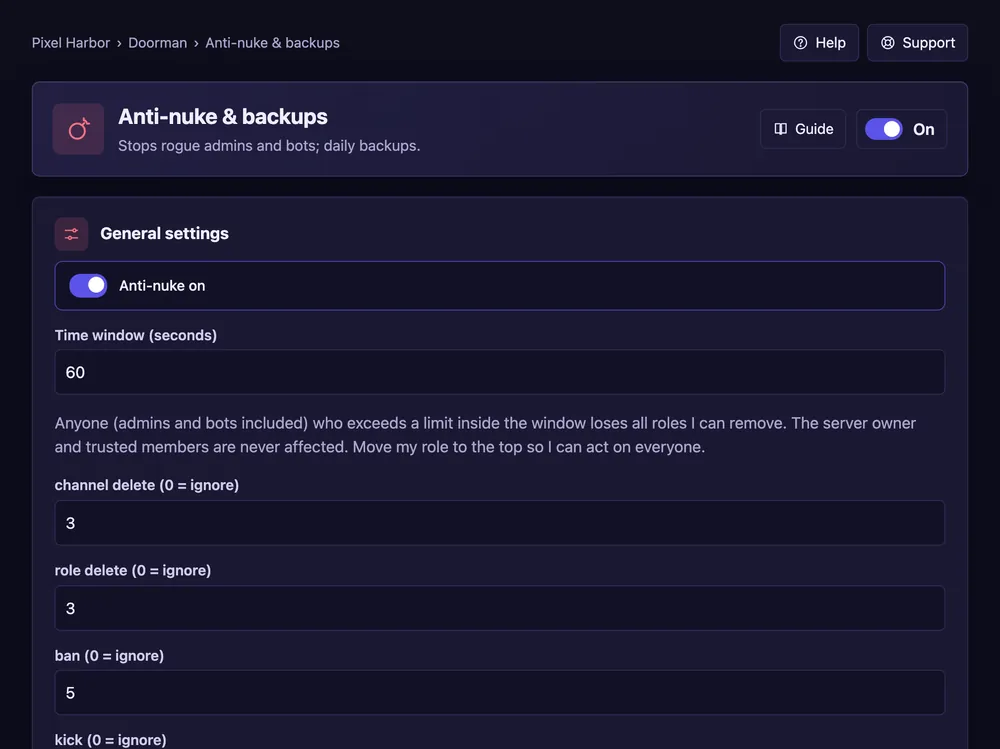
Stops anyone — even an admin or a bot — who deletes or bans too much too fast.
Steps
- Open Anti-nuke & backups.
- Tick Anti-nuke on and set the time window.
- Set a limit per action (0 = ignore). Press Save.
- The owner adds trusted members under Trusted.
Good to know
- Put the Doorman role at the top so it can stop anyone except the owner.
- Guards warn about risky new bots and risky role permissions.
- Backups: see Backups.
Commands
/antinuke release– give a stopped member their roles back.