 Doorman
What it does
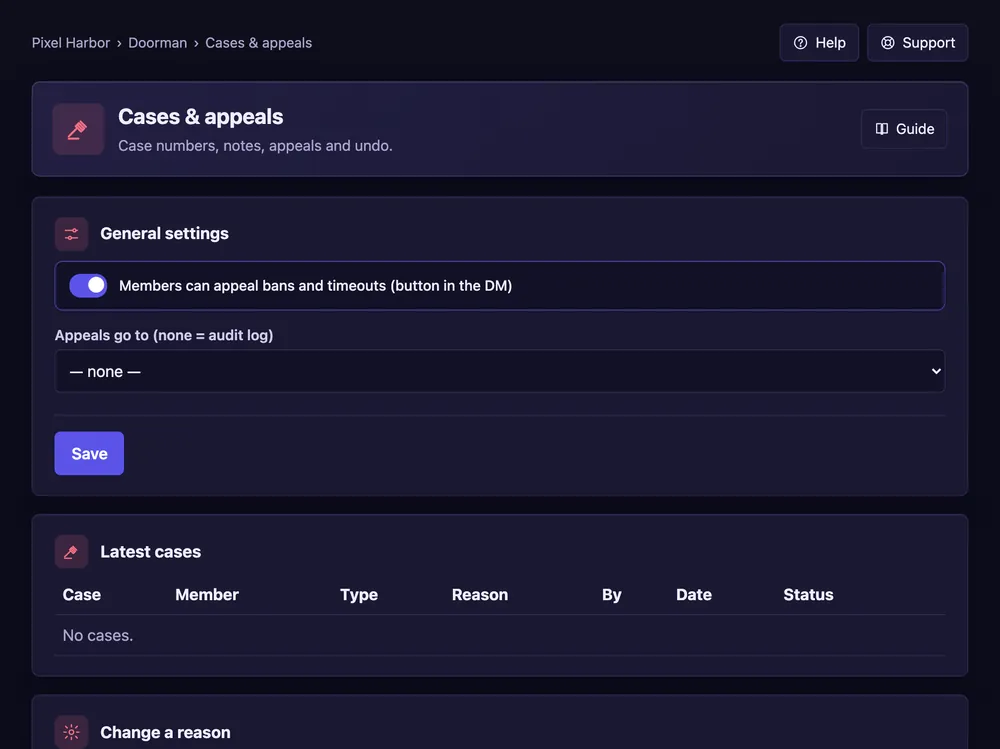
Every warning, timeout, kick and ban gets a case number you can look up or undo.
Steps
- Open Cases & appeals.
- Tick Members can appeal bans and timeouts and pick the channel.
- In Latest cases press Undo if needed.
Good to know
- Members get an Appeal button in their DM.
- Private notes are never shown to the member.
- Tables have filters and a CSV download.
Commands
/case show,/case reason,/case undo/case active– running timeouts and temporary bans./note add,/note list