 Doorman
What it does
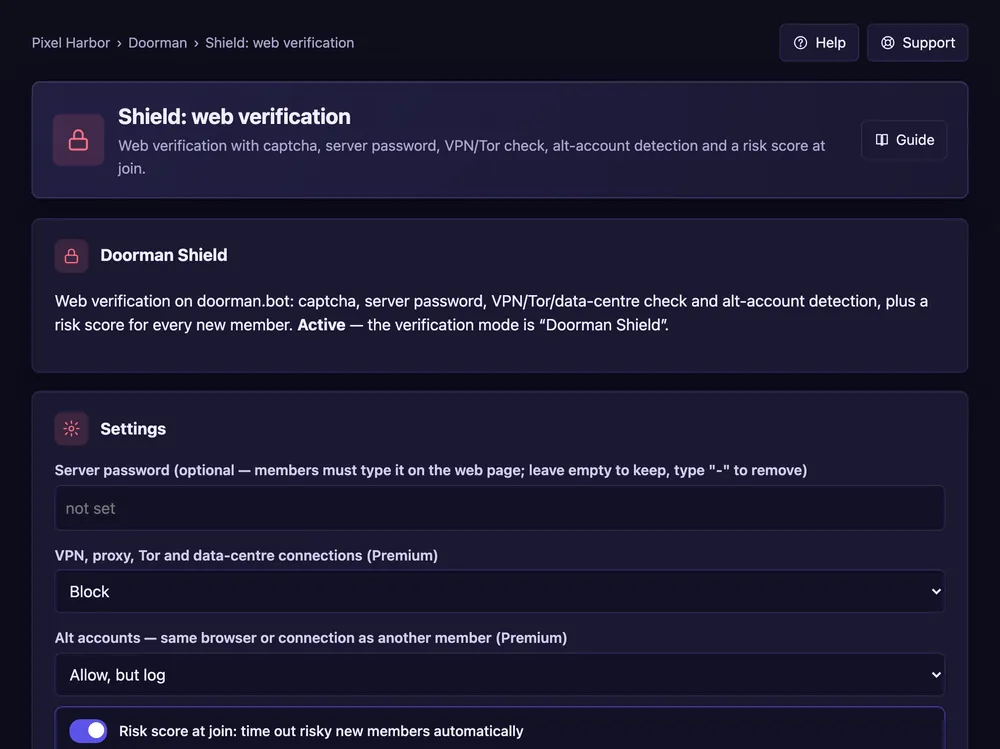
Members verify on a web page; Doorman can block VPNs and second accounts.
Steps
- Open Welcome & verification and set verification to Doorman Shield.
- Open Shield: web verification.
- Optional: a server password.
- Choose what happens with VPNs and second accounts: block, log or don't check.
- Optional: Risk score at join with a timeout threshold. Press Save.
Good to know
- Blocking needs Premium; without it Doorman only logs.
- The verification log shows the last 30 days.