 Doorman
What it does
Logs what happens, stops mass joins and removes scam links.
Steps
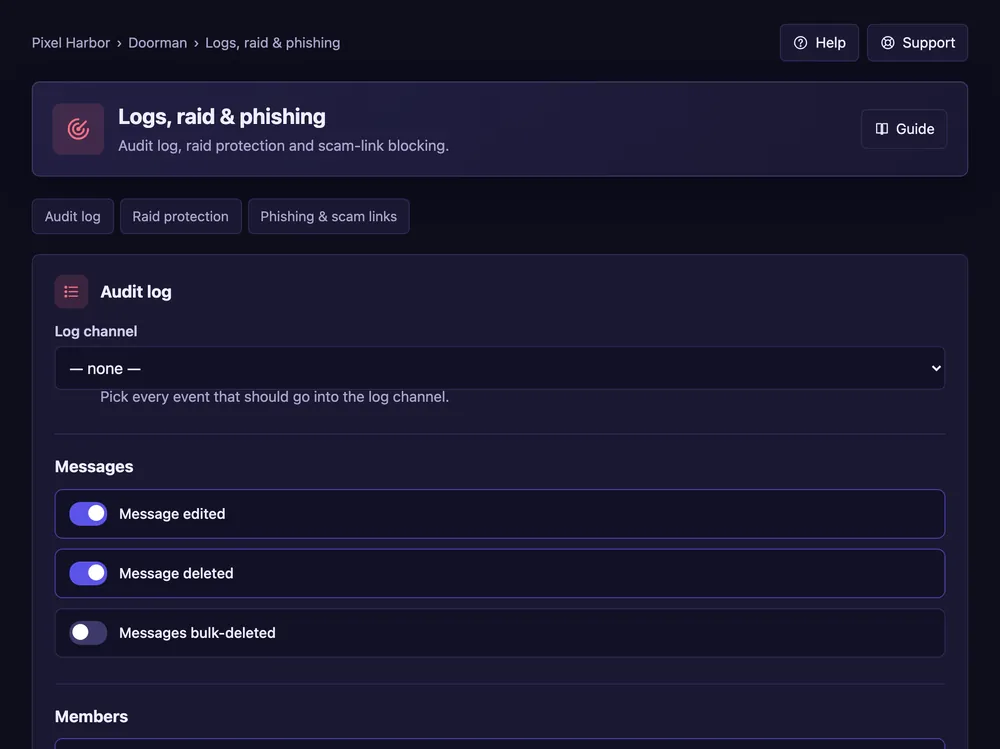
- Open Logs, raid & phishing.
- Audit log: pick the log channel and the events.
- Raid protection: tick On and set how many joins in how many seconds.
- Phishing & scam links: pick the action. Press Save.
Good to know
- Each event can have its own colour.
- Raid mode ends by itself; Emergency starts or ends it by hand.
- The join log marks new accounts and shows who invited the member.
Commands
/raid start,/raid end,/lockdown,/unlock