 Doorman
What it does
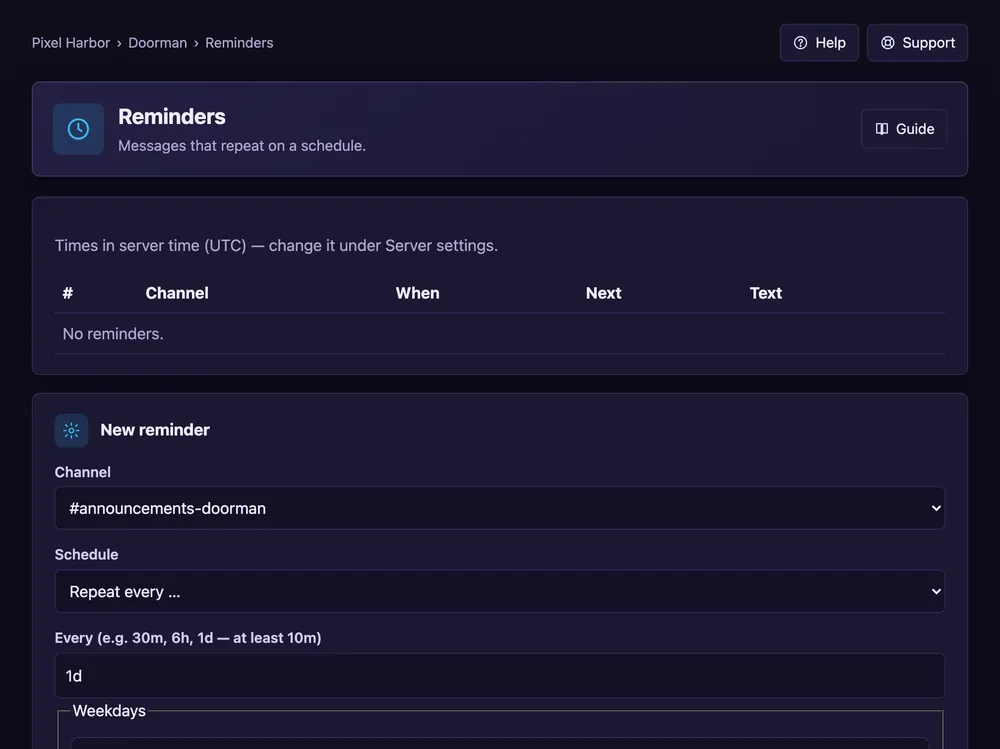
Messages that repeat on a schedule.
Steps
- Open Reminders → New reminder.
- Pick the channel and the schedule (at least every 10 minutes).
- Write the text and press Add reminder.
- Press Send test message to see it in the channel right away.
Good to know
- Optional: only send if someone wrote since the last reminder.
- Placeholders like
{server}are not replaced in reminders — write the text as it should appear.
Commands
/reminder add,/reminder list