 Doorman
What it does
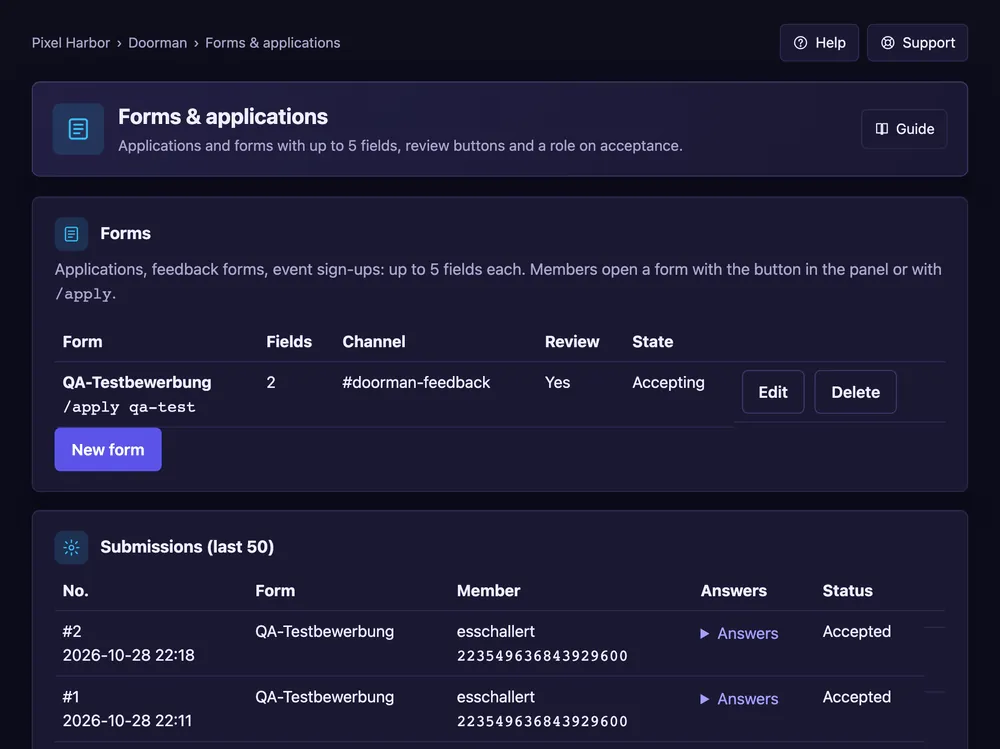
Members fill in a form such as an application, and your team accepts or declines it.
Steps
- Open Forms & applications → New form, or press a template.
- Write up to five questions.
- Pick the channel for submissions and, if you like, a role on acceptance.
- Press Save form, then Post panel.
Good to know
- Reviewer roles may accept or decline without being moderators.
- Free: 2 forms, Premium: 25.
Commands
/apply