 Doorman
What it does
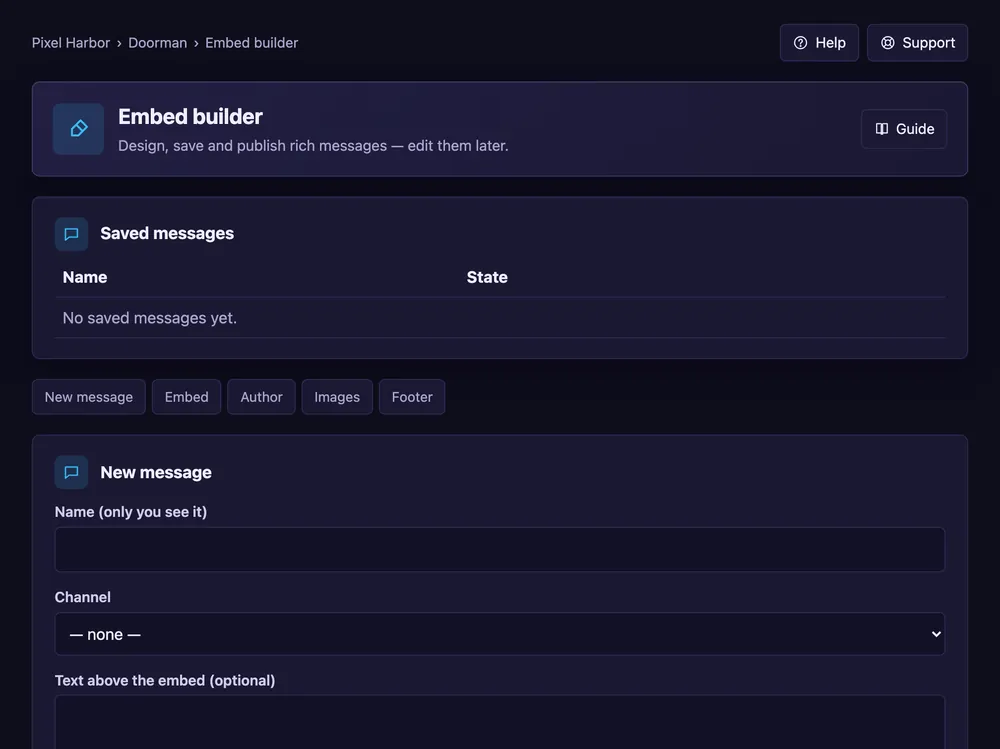
Design rich messages, post them and edit them later.
Steps
- Open Embed builder → New message.
- Give it a name and pick the channel.
- Fill in title, text, colour and images.
- Optional: buttons — a link, a reply or a role button.
- Press Save, then publish.
Good to know
- Edit and save again to update the posted message.
- Paste JSON from other tools under JSON (import / export).
Commands
/embed post