 Doorman
What it does
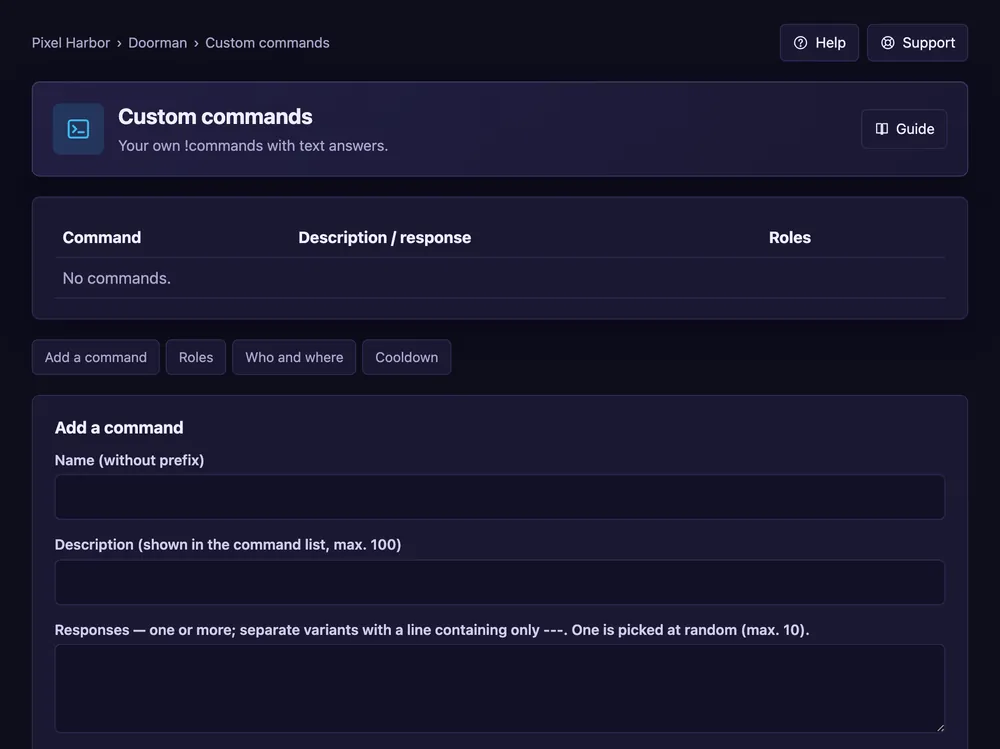
Your own commands like !rules with text answers.
Steps
- Open Custom commands.
- Set the prefix (default
!). - Add a command: name, answer, and optional aliases.
- Optional: roles to give, where it works, a cooldown. Press Save.
Good to know
- Several answers separated by
---are picked at random. - Answers can be cards, replies or reactions.
- Free: 10 commands, Premium: 500.
Commands
/customcommand add,/customcommand list