 Doorman
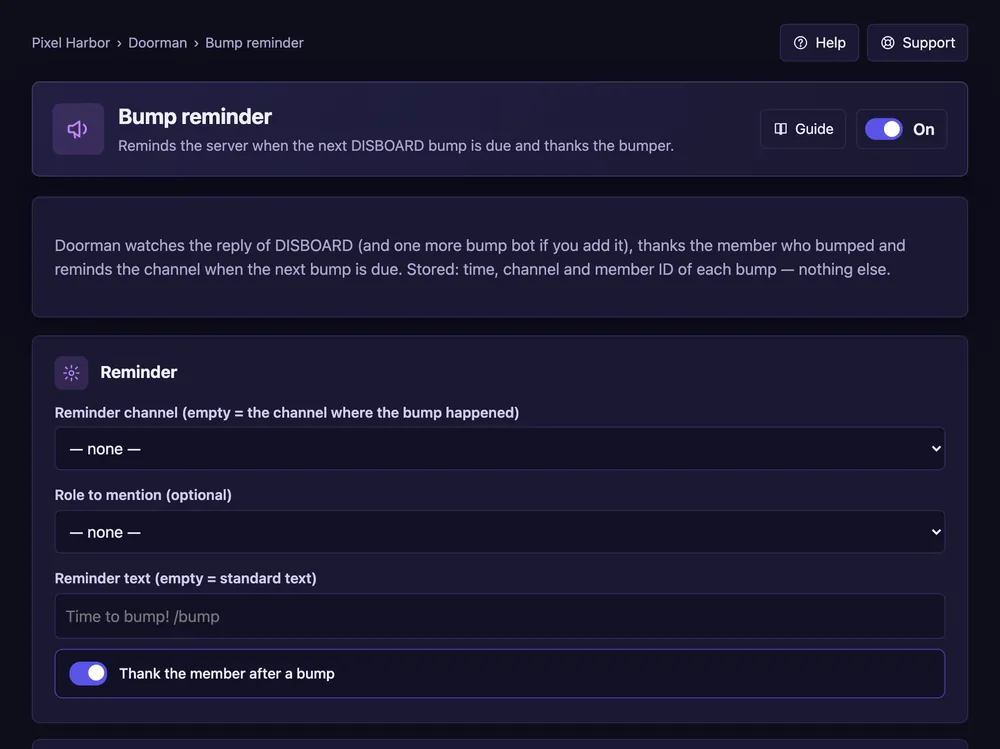
What it does
Reminds your server when the next DISBOARD bump is due and thanks the bumper.
Steps
- Open Bump reminder and switch it On.
- Pick the reminder channel and, if you like, a role to ping.
- Press Save, then Post test reminder.
Good to know
- The Status box shows the next bump and the top bumpers.
Commands
/bumpreminder