 Doorman
What it does
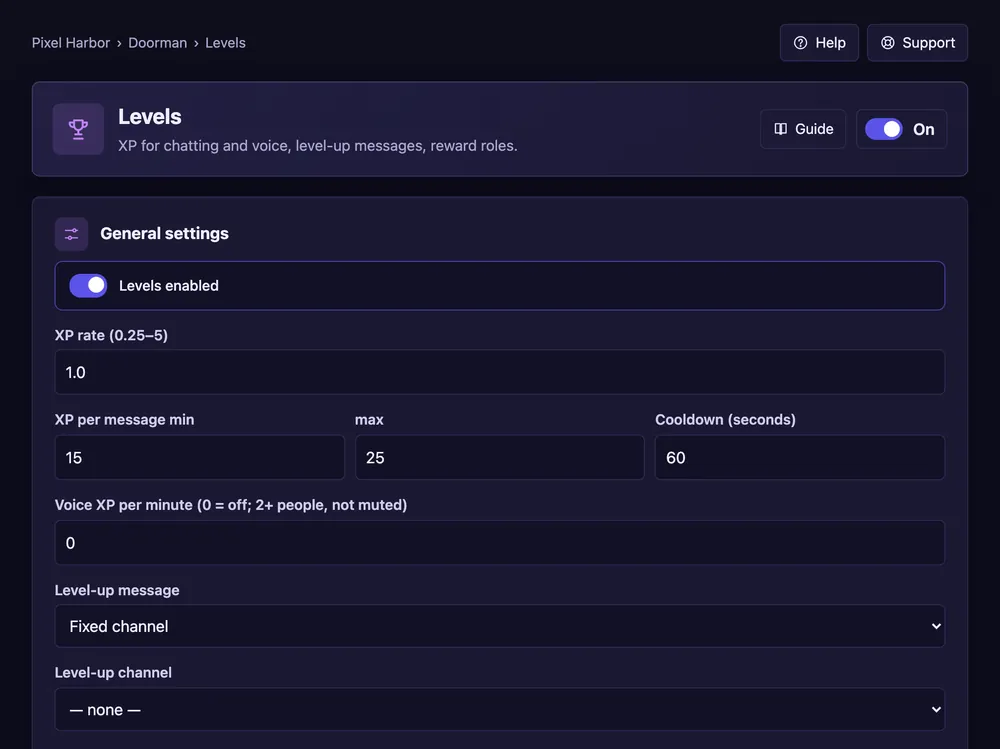
Members earn XP for chatting and voice time and get reward roles at set levels.
Steps
- Open Levels and tick Levels enabled.
- Keep or change XP per message, cooldown and voice XP.
- Pick where level-ups are announced and the text. Press Save.
- Reward roles: enter a level, pick a role, press Add reward.
Good to know
- Default: 15–25 XP per message, once a minute.
- Switching from another bot? Use Import from another bot.
- More options: Level extras.
Commands
/rank,/leaderboard