 Doorman
What it does
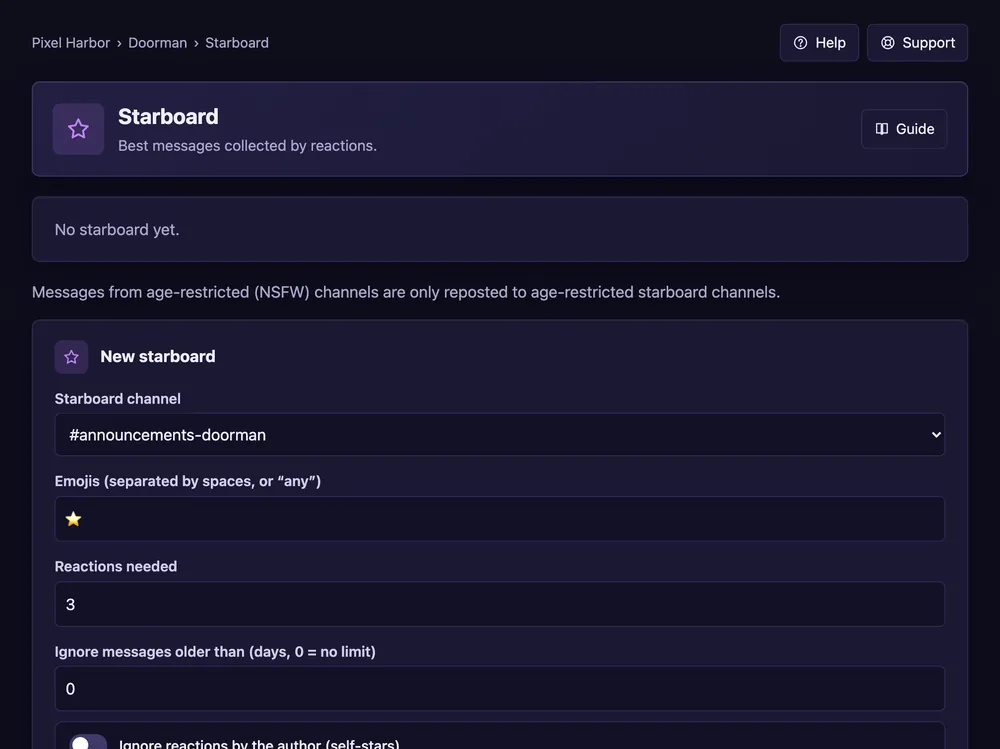
Messages with enough reactions are reposted to a hall-of-fame channel.
Steps
- Open Starboard.
- No channel yet? Press Create a starboard channel for me.
- Under New starboard pick the channel, the emoji and how many reactions are needed. Press Add board.
- Optional per board: which channels and roles count, a minimum message age, and what happens to removed stars.
Good to know
- Board posts can disappear when the original is deleted or drops below the count; a repost block stops spam.
- Bot reactions and stars on your own message can be removed automatically.
- Messages from age-restricted channels only go to age-restricted boards.