 Doorman
What it does
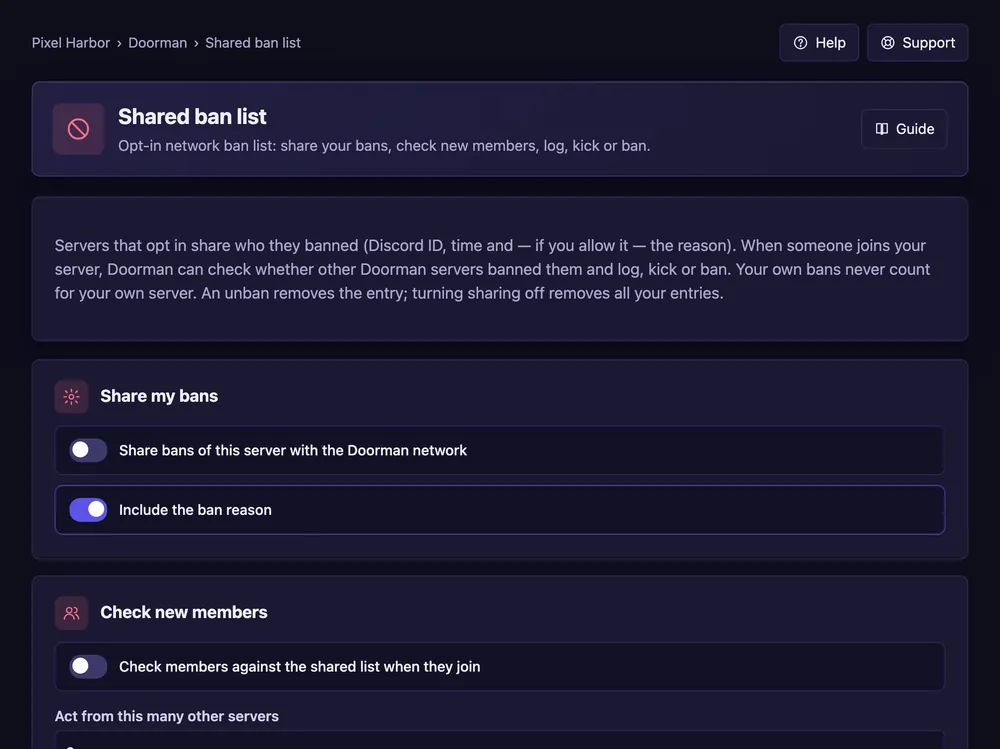
Servers share their bans; Doorman checks new members against them.
Steps
- Open Shared ban list.
- Tick Share bans of this server if you want to share.
- Tick Check members against the shared list when they join.
- Set from how many other servers to act, and the action. Press Save.
Good to know
- Only the Discord ID, the time and — if you allow it — the reason are shared.
- Your own bans never count for your own server.
Commands
/banlist check