 Doorman
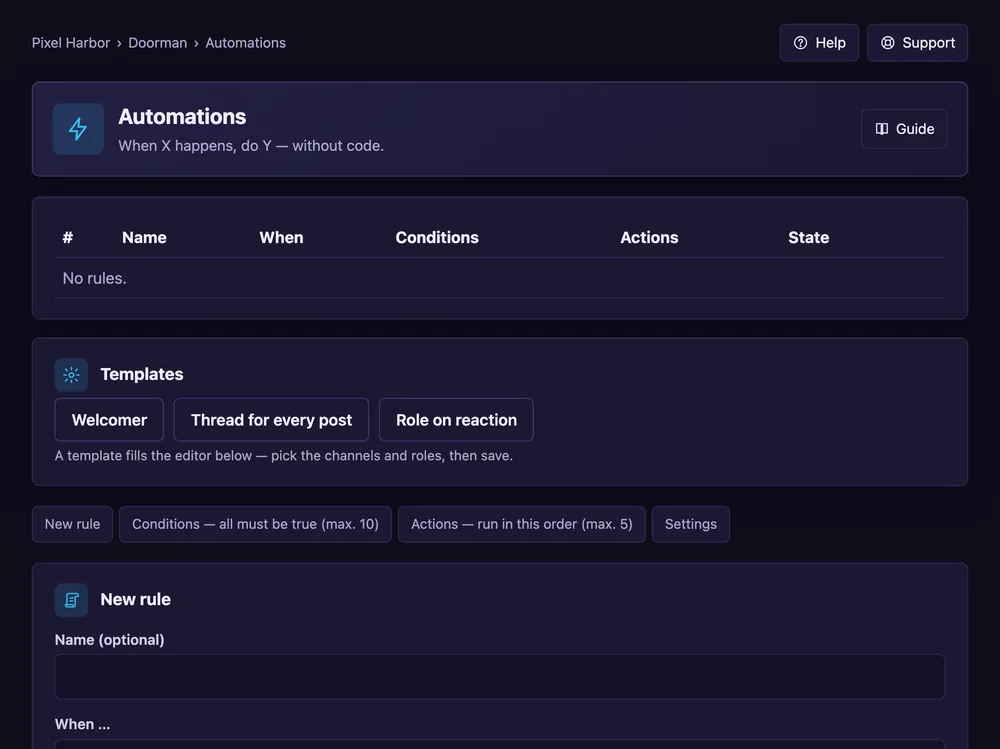
What it does
“When X happens, do Y” rules — without code.
Steps
- Open Automations and pick a template or New rule.
- When …: pick the trigger, e.g. a member joins or a time of day.
- Optional: conditions.
- Add up to 5 actions, e.g. send a message or give a role.
- Tick Rule is active and press Save rule.
Good to know
- A cooldown per member prevents loops.
- Free: 5 rules, Premium: 50.
Commands
/automation list,/automation toggle