 Doorman
What it does
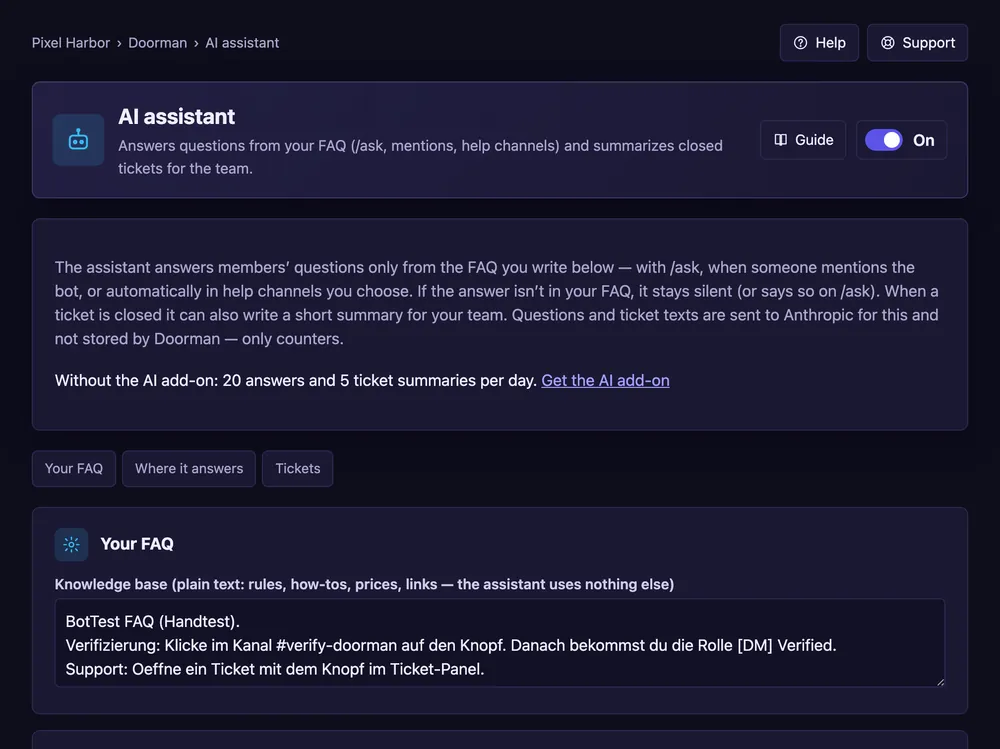
Answers questions from your FAQ and summarizes closed tickets for the team.
Steps
- Open AI assistant and switch it On.
- Write your FAQ in plain text.
- Pick where it answers: mentions and help channels.
- Press Save, then try Ask.
Good to know
- It answers only from your FAQ, and every answer is marked as AI.
Commands
/ask