 Doorman
What it does
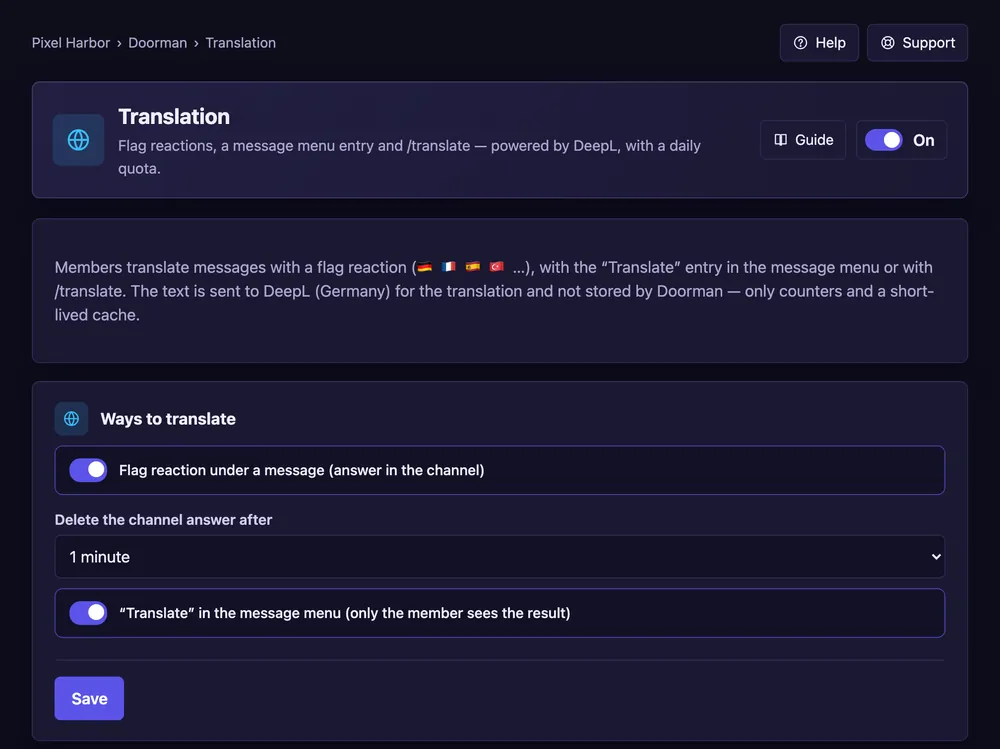
Translate messages with a flag reaction, the message menu or /translate.
Steps
- Open Translation and switch it On.
- Tick Flag reaction and/or “Translate” in the message menu.
- Press Save.
Good to know
- Daily quota: 5,000 characters, Premium 50,000.
- The original message is never stored.
Commands
/translate