 Doorman
What it does
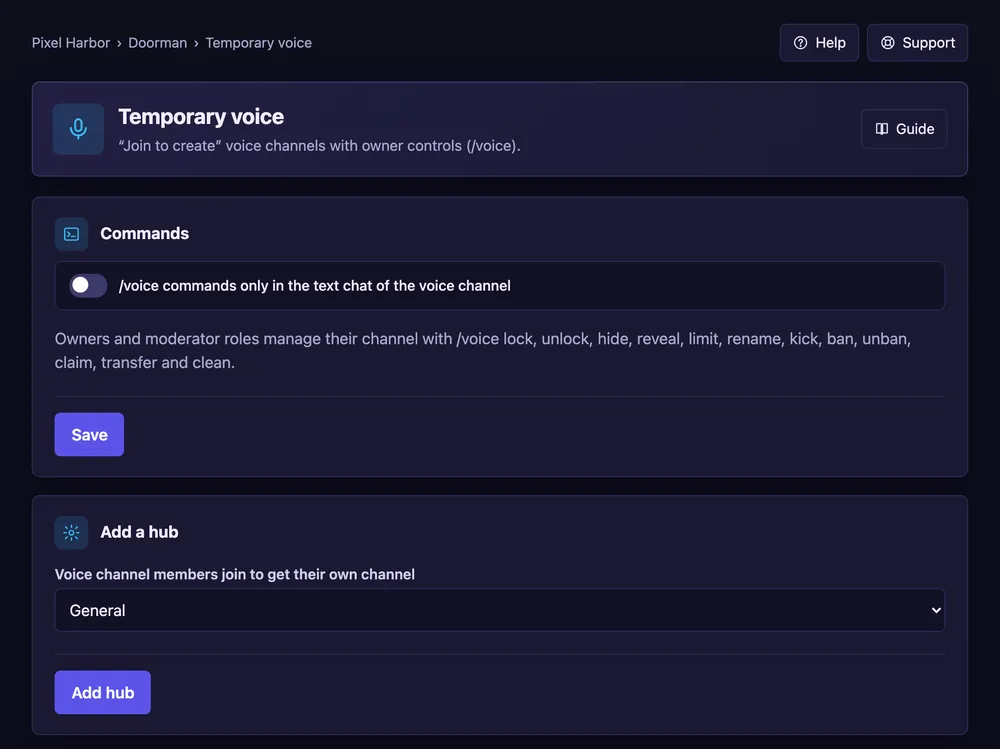
Members join a hub channel and get their own voice channel, which disappears when empty.
Steps
- Create a voice channel like ➕ Create channel.
- Open Temporary voice and add it as a hub.
- Optional: tick Post a control panel and design it. Press Save.
Good to know
- Owners manage their channel with buttons or
/voice. - You can limit how many channels one member may own.
Commands
/voice lock,/voice limit,/voice rename,/voice trust,/voice privacy