 Doorman
What it does
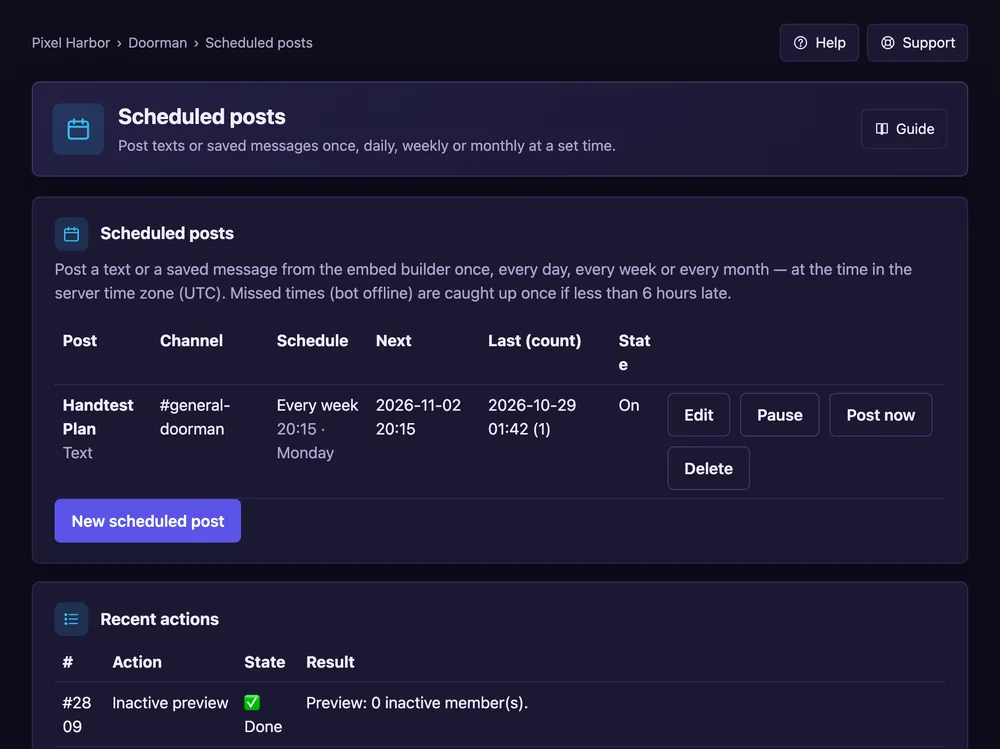
Post a text or saved message once, daily, weekly or monthly.
Steps
- Open Scheduled posts.
- Give it a name and pick the channel.
- Choose a text or a saved message from the Embed builder.
- Set how often and the time. Press Save.
Good to know
- Times use the server time zone.
- @everyone only pings if you may use it in that channel.
- Free: 3, Premium: 50.