 Doorman
What it does
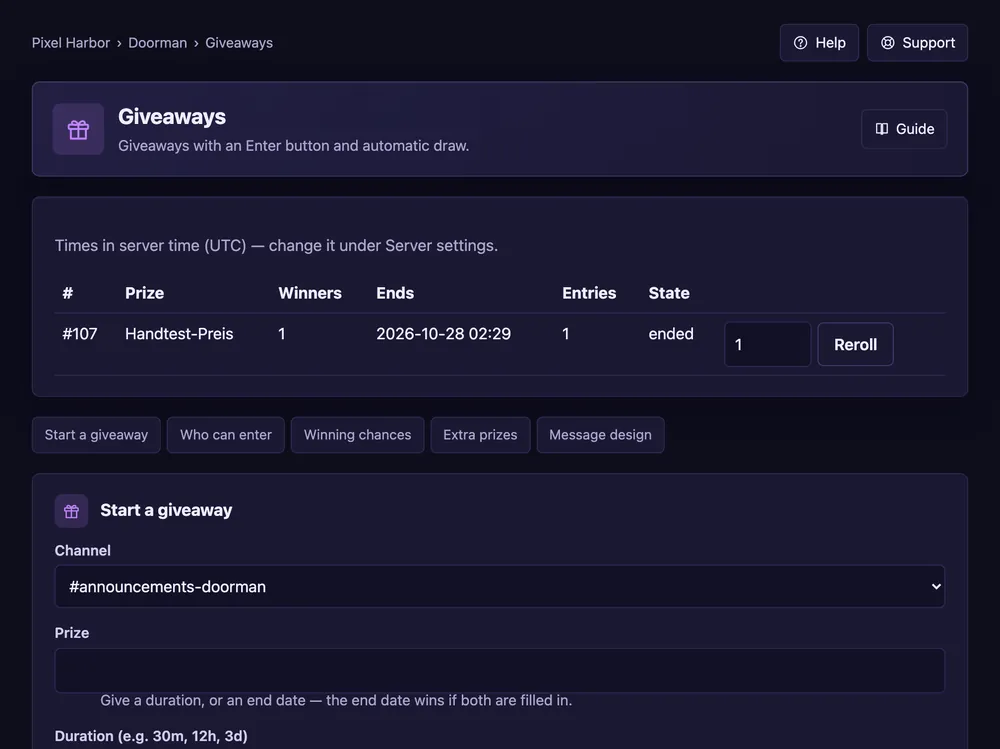
Giveaways with an Enter button and an automatic draw.
Steps
- Open Giveaways → Start a giveaway.
- Pick the channel and write the prize.
- Set the duration (e.g.
3d) and the number of winners. - Optional: who can enter, bonus chances, a winner role. Press Start giveaway.
Good to know
- Ended giveaways can be rerolled from the list.
- Conditions and bonus entries: see Giveaway extras.
Commands
/giveaway start,/giveaway end,/giveaway reroll