 Doorman
What it does
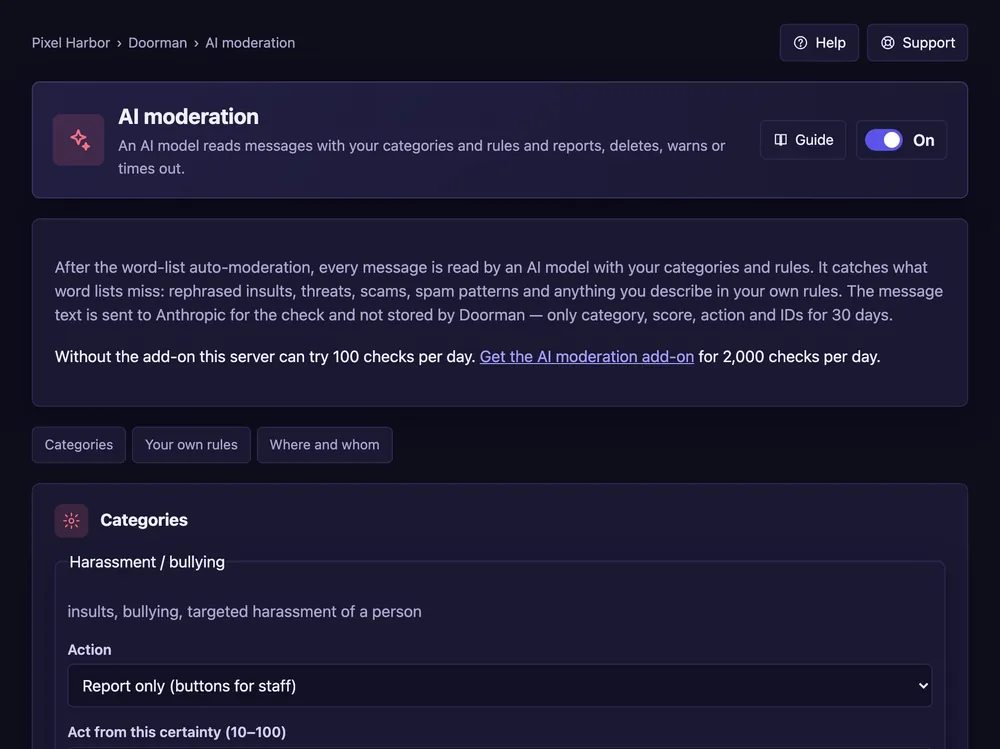
An AI reads messages and acts on the categories and rules you choose.
Steps
- Open AI moderation and switch it On.
- For each category pick an action and from which certainty it acts.
- Optional: your own rules in plain language, one per line.
- Pick the report channel and what is never checked. Press Save.
- Try it with Run test.
Good to know
- Moderators are never checked.
- Free: 100 checks a day; the AI add-on raises it to 2,000.
- The text goes to Anthropic for the check; Doorman keeps only the result for 30 days.