What it does
Every Monday the bot posts a summary of your server's week.
Steps
- Open Reports and tick Weekly report.
- Pick the report channel. Press Save.
Good to know
- Only numbers are stored.
Commands
/report preview
 Doorman
Help center › Notifications
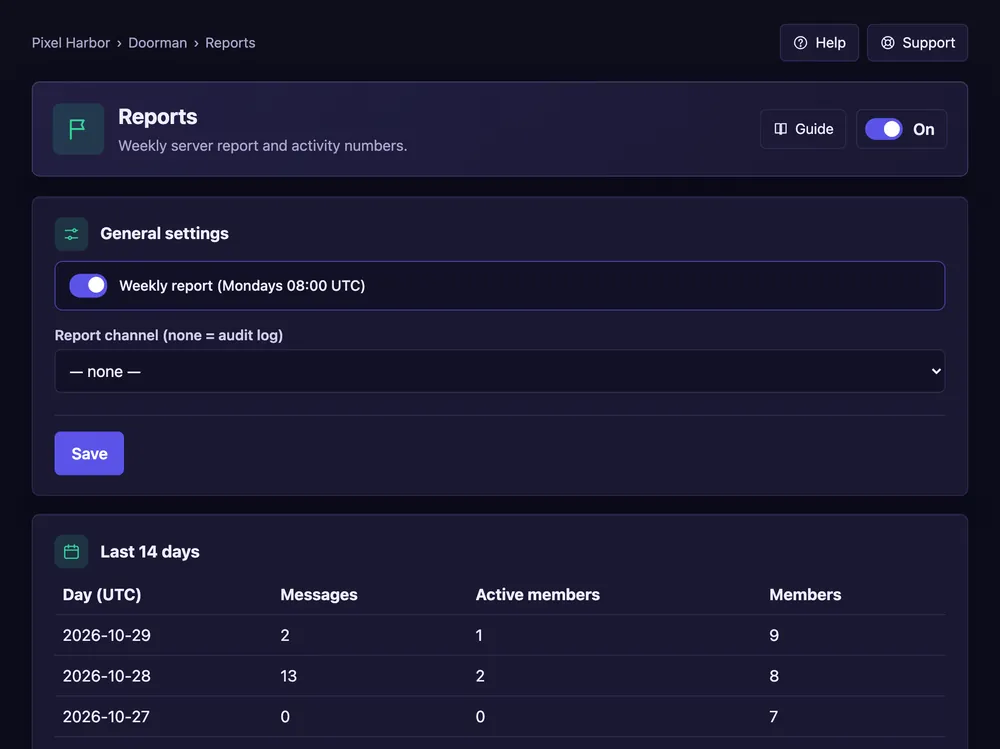
Every Monday the bot posts a summary of your server's week.
/report preview