 Doorman
What it does
Posts new videos, streams and posts from many platforms.
Steps
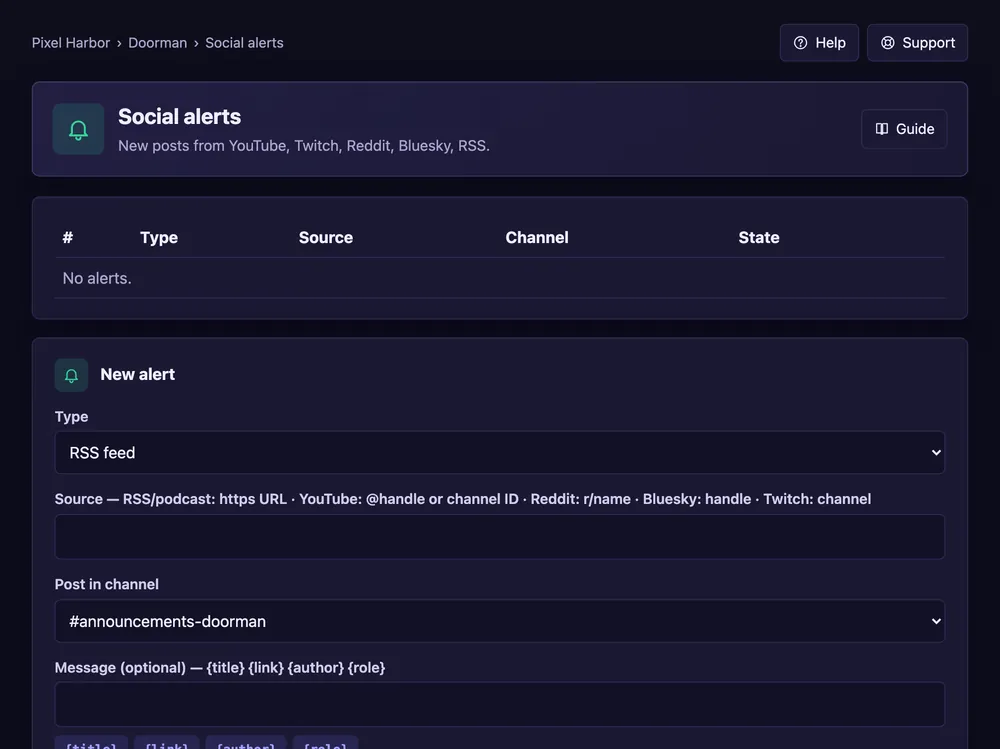
- Open Social alerts → New alert.
- Pick the type and enter the source (e.g. a @handle or channel name).
- Pick the channel, an optional message and a role to ping.
- Press Add alert, then Test post.
Good to know
- Only new posts are sent, never old ones.
- Free: 3 alerts, Premium: up to 300.
- All sources and filters: see Alert sources.
Commands
/alerts add,/alerts list