 Doorman
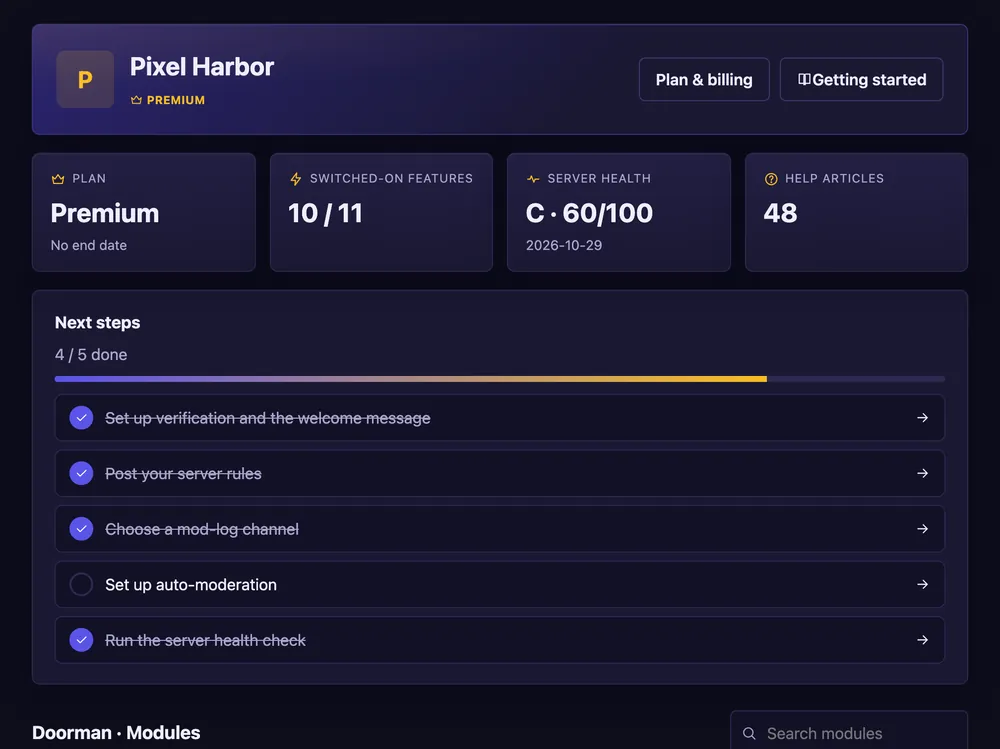
What it does
Add Doorman to your server and turn on the parts you need.
Steps
- Press Add to Discord on the start page and pick your server.
- In Discord: Server Settings → Roles — drag the Doorman role up. It can only manage roles below its own.
- Log in here with Discord and pick your server.
- Open Welcome & verification and press Build / repair layout to create the basic channels.
- Switch on the modules you want. Changes work right away.
Good to know
- You need “Manage Server” on the server. Doorman never asks for Administrator.
- Not working? See Permissions and role order or type
/diagnose.
Commands
/help– all commands./diagnose– checks what Doorman is missing.