 Doorman
What it does
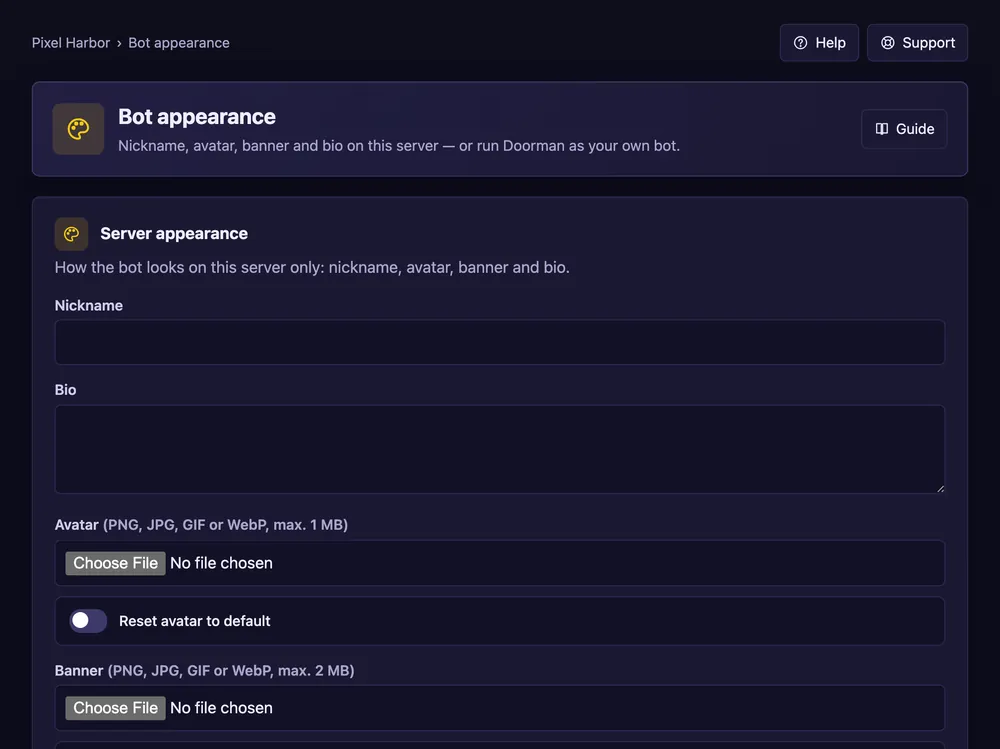
Change how the bot looks on your server, or run Doorman as your own bot (Premium).
Steps
- Open Bot appearance.
- Set a nickname, avatar, banner and bio for your server — or:
- Create an application in the Discord Developer Portal, turn on both intents and switch off Public Bot.
- Paste the bot token here and invite your bot with the link shown.
Good to know
- The token is stored encrypted. Never share it anywhere else.